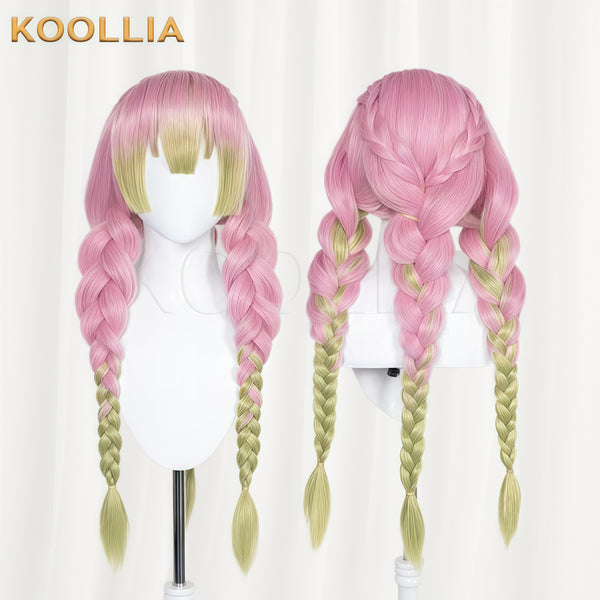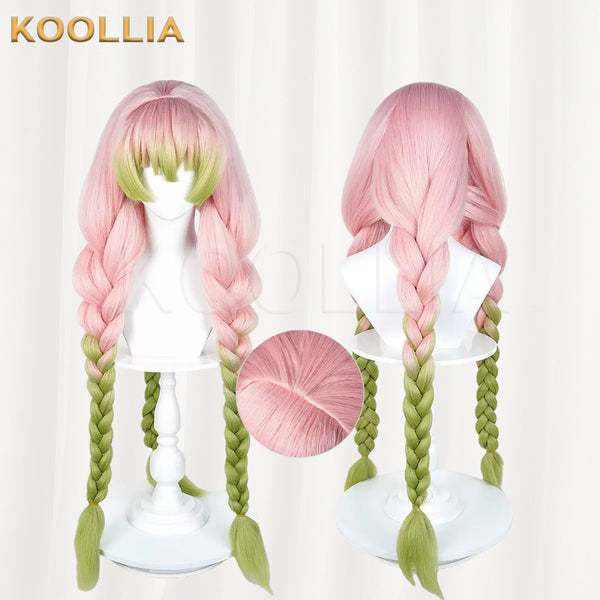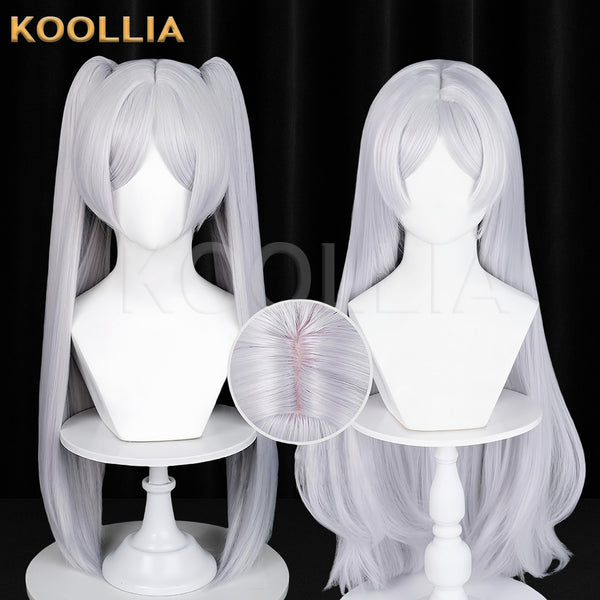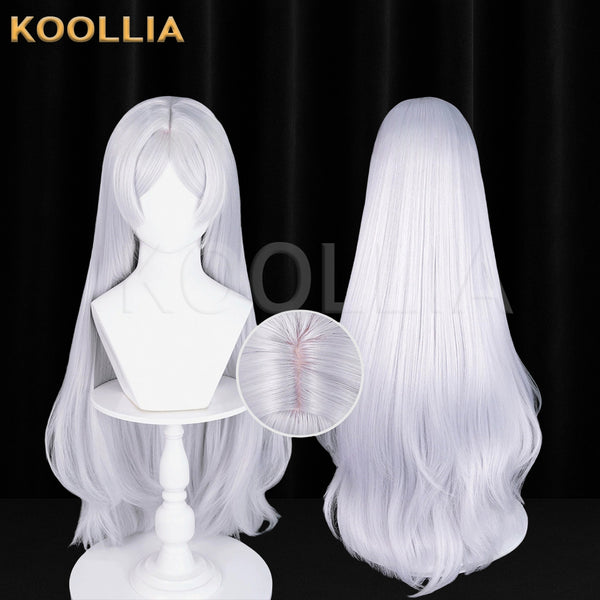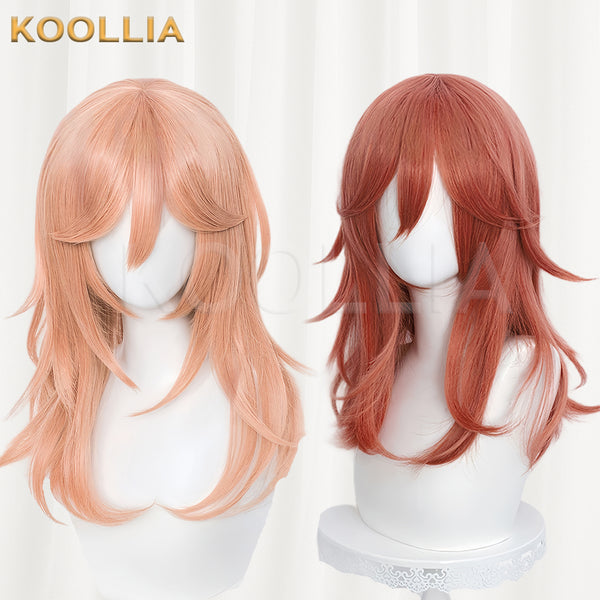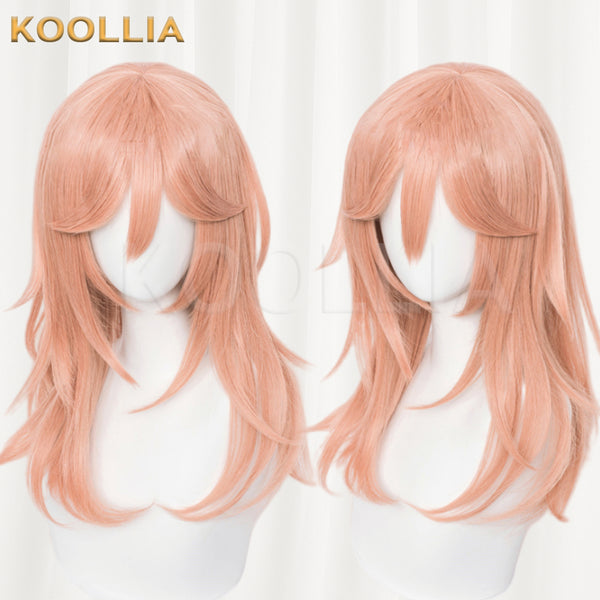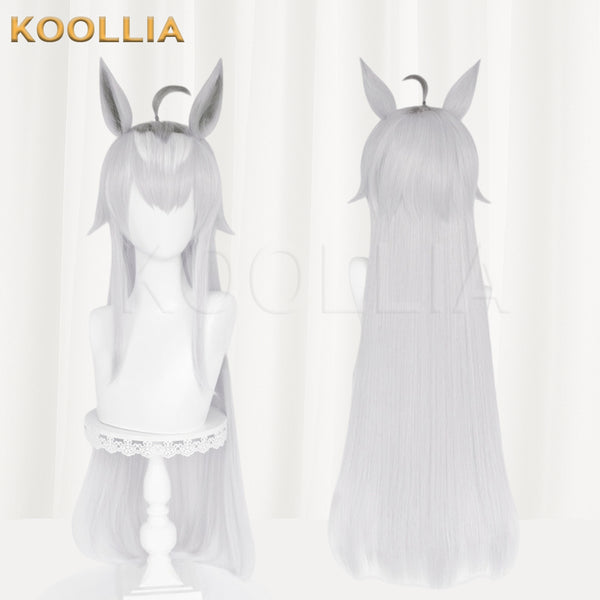

KOOLLIA’s new wig finder is here!
We’ve updated our product names to include product codes and descriptive features such as color, length, and hairstyle.
Let’s explore how to find the wig you have in mind.
Choose Your Wig Features
Open Find my wig on the homepage to browse basic wigs by:
- Color: Black, white, pink, multicolor, and more.
- Length: Short, medium, long, or extra long.
- Hair shape: Straight, wavy / curly, wolf cut, and more.
- Bangs & parting: Full fringe, M-shaped bangs, middle part, side part, and more.
- Other style features: Twin tails, ponytails, buns, and more.
You can select multiple options in each category. Start with length and color, then add more details as needed.
The product results will update automatically, with the most relevant matches appearing first. If you haven’t found the right wig yet, try adding more hairstyle or detail options.
Example 1: GM09 — Green Wolf Cut Wig
- Under Color, select Green.
- Under Shape, select Wolf cut.
- Browse the updated results to find GM09, a green wolf cut wig.

Example 2: MX115 — Long Red and Black Wavy Wig
- Under Color, select Red, then choose Long under Length.
- Under Shape, select Wavy / curly.
- Browse the updated results to find MX115, a long red and black wavy wig.

Example 3: GL01 — Green Long Straight Basic Wig
- Under Color, select Green.
- Under Shape, select Straight and Twin tails.
- Browse the updated results to find GL01, a long green twin-tail wig.

If you’re not sure how to use the wig finder, watch the video tutorial below and follow along step by step.
Give It a Try!
Open Find my wig and start with your preferred length and color.
Still can’t find what you’re looking for? Email support@koollia.com with reference photos of your desired wig style for help.
Frequently Asked Questions
Which filters should I select first?
Start with length and color, then add hairstyle, bangs, or other details. Products are displayed in order of relevance to your selections.
Can I select more than one option?
Yes! You can select multiple options in each category to explore different looks.
What if I can’t find the wig I want?
Try adding more hairstyle or detail options. If you still need help, email support@koollia.com with reference photos of your desired wig style.